Browser Games: How I Kept Monster Punch Responsive
I wanted Monster Punch to feel busy. A punch should move a fist, hit a monster, trigger particles, update a combo and leave enough footage for a replay. The first simple version felt fine. The real test came when all those jobs had to run together.
That is the performance problem behind many browser games. One feature is rarely the issue. The trouble starts when the camera, pose model, game engine, renderer and recorder all compete for the same frame.
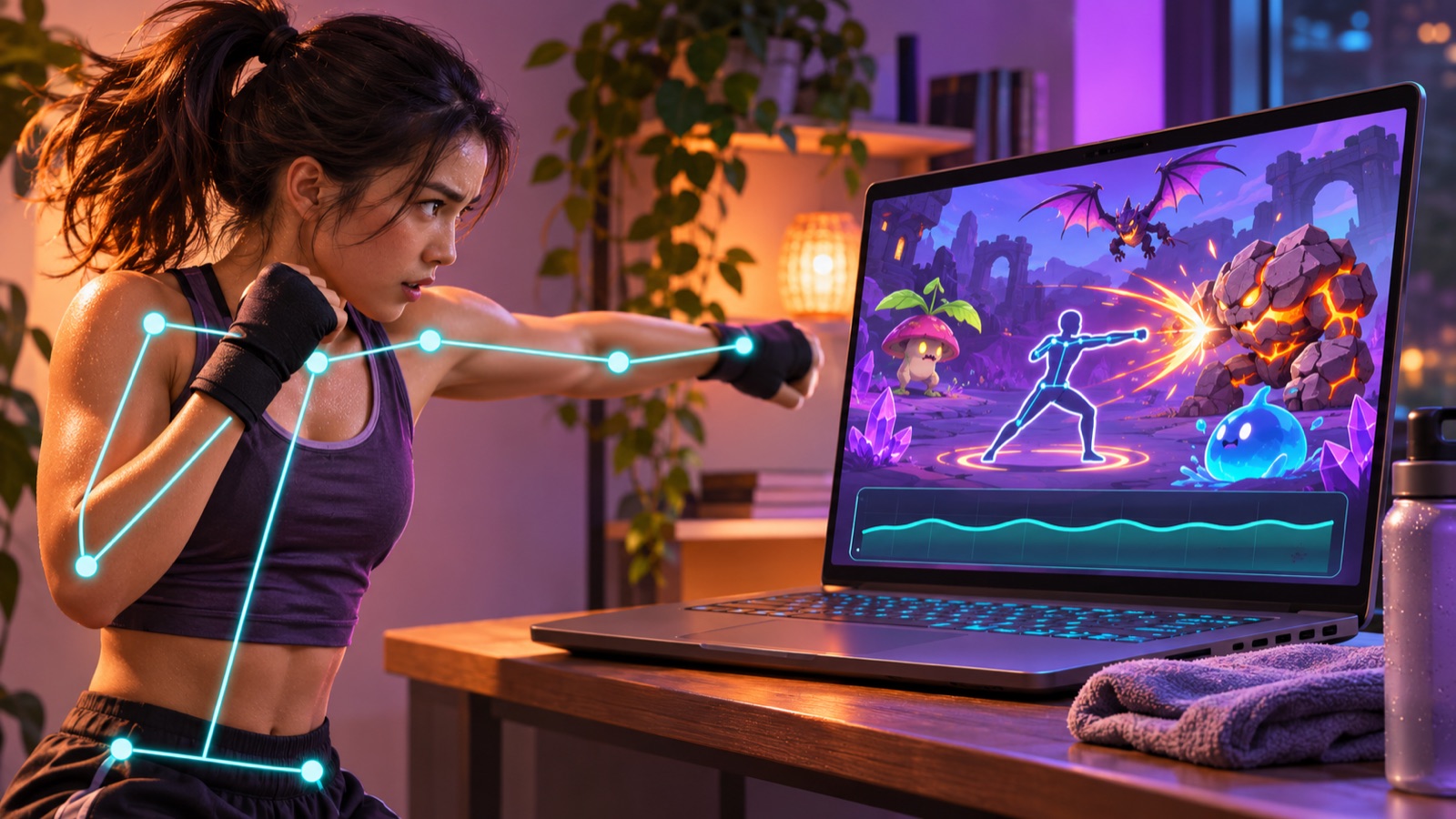
The browser is doing four jobs at once
During a live round, Monster Punch reads webcam frames, detects body landmarks, advances the game state and draws the scene. It can also composite the camera and game canvas into a short replay buffer.
I did not want to hide that complexity behind a claim that the game is magically fast. I wanted a structure I could inspect. When a round felt wrong, I needed to know whether the cause was detection, game timing, drawing or recording.
One animation clock keeps the game honest
The main game screen uses requestAnimationFrame. Every frame begins with performance.now(), then calculates how much time passed since the previous frame. The engine receives that elapsed time instead of assuming every device runs at exactly the same rate.
I also cap a single step at 50 milliseconds. That matters when someone switches tabs or the browser pauses for a moment. Without the cap, one delayed frame could return with a huge time jump and move every monster much farther than the player expects.
This does not create missing frames. It stops a temporary pause from becoming a broken game event. The round clock, movement and collision logic still share the same controlled step.
The spawner gets faster, but never infinite
Monster Punch ramps difficulty through two numbers. The gap between spawns starts at 1,700 milliseconds and can tighten to 520 milliseconds. Monster movement also speeds up as the round progresses.
The important limit is the cap of eight live monsters. The spawner checks that cap before adding another one. I still get a crowded late round, but I do not let a slow player create an unbounded pile of animated objects.
That limit is both a design rule and a performance rule. More targets are not automatically more fun. Past a point, the screen becomes unreadable and every extra sprite adds work without adding a useful decision.
Game state stays separate from drawing
The engine advances plain game state. The Pixi scene reads that state and turns it into visible sprites. This separation made the performance work easier because the rules do not depend on how a monster is drawn.
Each monster has a stable identifier. The renderer keeps a sprite entry for that identifier and updates it on later frames. When the monster is gone from state, its display objects are destroyed and removed from the map.
I avoided rebuilding the whole scene on every frame. The renderer changes what moved, adds what appeared and removes what finished. That is a small architectural choice, but it becomes important when pose landmarks, eight monsters and hit effects are visible together.
Effects need an expiry date
A good punch needs feedback. Monster Punch uses bursts, hit sparks, camera shake and score changes to make a connection readable. Effects are easy to add and easy to forget.
The particle systems therefore carry a lifetime. Once an effect has expired, the renderer destroys it. Dead monsters are cleaned up too. I treat cleanup as part of the feature, not something to revisit after the game is finished.
This also helped me make the visual language clearer. A short effect says, “that punch connected.” An effect that lingers too long becomes noise and competes with the next target.
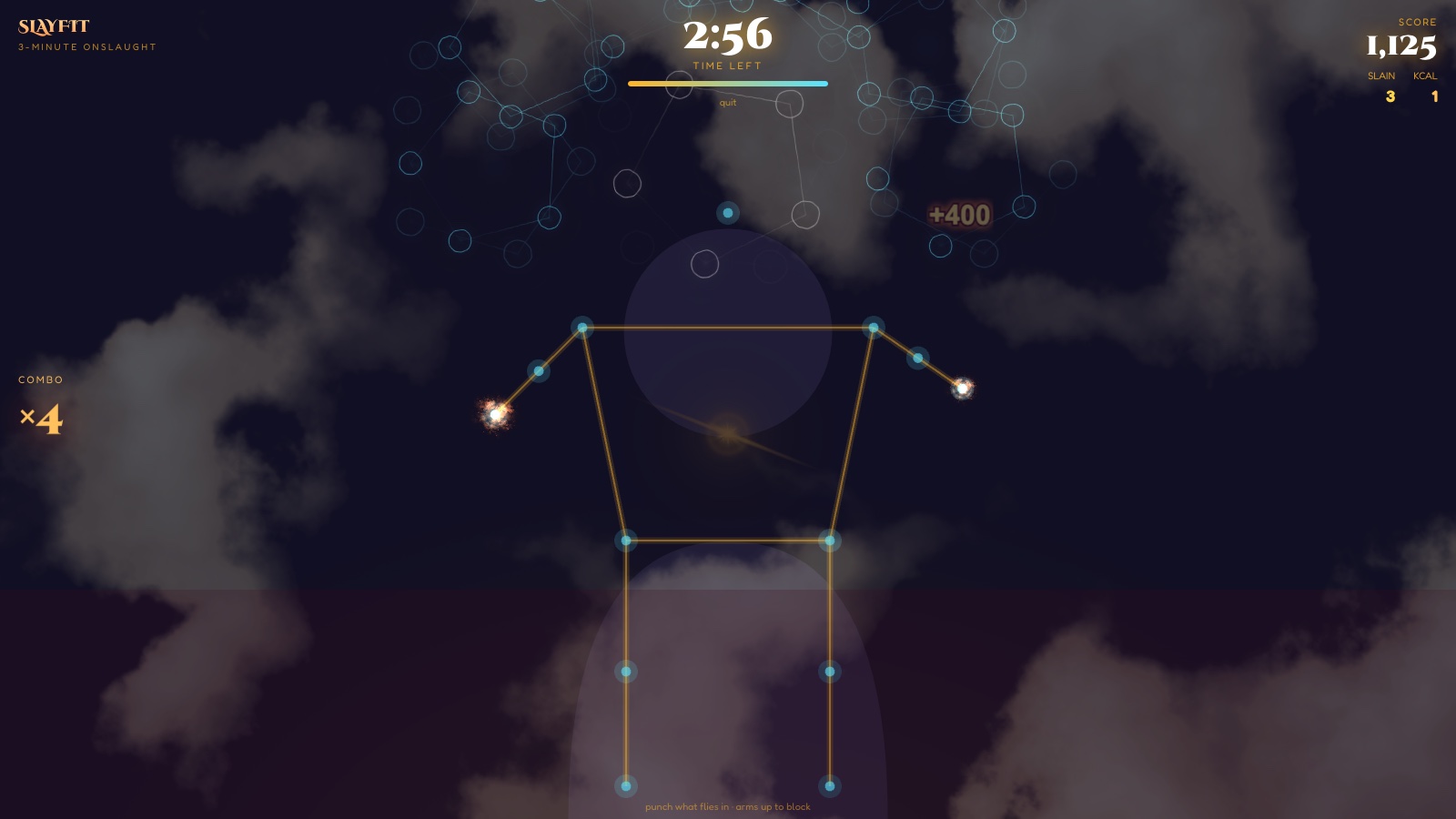
Pose tracking supplies points, not game rules
The pose tracker processes video frames and returns landmarks. The game layer decides what those points mean. It turns wrist motion into fists and feeds punch events into the engine.
Keeping that boundary was useful. The pose system does not need to know how monster health or combo scoring works. The engine does not need to know how the model found a wrist. I can inspect either side without untangling the other.
The camera gate also waits until the player is framed from head to knees for one second, then runs a countdown. During that setup, the webcam and skeleton can render, but scoring has not started. This avoids spending the opening seconds of a round correcting the camera while monsters are already moving.
The replay recorder does not chase every display frame
The optional replay buffer captures at 30 frames per second. It does not need to match a high-refresh display frame for frame. Its job is to preserve a useful ten-second moment, not to become a second rendering engine.
The buffer records in one-second chunks and keeps a rolling window. At the end of the round, the game asks for the latest clip before stopping the recorder. That order matters. Stopping too early would discard the moment the player actually wants.
Choosing 30 frames per second is a deliberate budget. The live game remains the priority. The replay is valuable only if recording it does not spoil the punch that created it.
Cleanup is part of performance
Leaving a round must stop the work from that round. The screen cancels its animation frame. The pose tracker stops every camera stream track and closes its landmarker. The Pixi scene destroys its display objects. The recorder is stopped as well.
This is less visible than a particle burst, but it protects the next session. A browser tab should not keep a camera or render loop alive after the player has moved on.
What I learned from building this webcam game
I now ask a short set of questions before adding any live effect:
- Which clock owns the change?
- What is the maximum number of these objects?
- Can I update an existing object instead of rebuilding it?
- When does the object expire?
- What stops when the player leaves?
Those questions matter more to me than chasing one impressive benchmark. Devices, cameras and browsers vary. I would rather set clear limits and make every system disposable than promise a frame rate I have not measured on someone else's machine.
That is also why I still like building HTML5 games. The constraints are visible. A webcam game can use pose tracking, animation and recording in one page, but each layer has to justify its cost.
Try the busy part yourself
The late part of a round is where these choices meet. More monsters appear, the movement gets faster and every connection creates visible feedback. Play Monster Punch in your browser, or use demo mode if you do not want to enable a camera.
If you want the design story first, read how I turned shadow boxing into Monster Punch. For tactics, use the Monster Punch scoring guide.