Browser Games: How We Built Relic Hunter with Three.js and AI Images
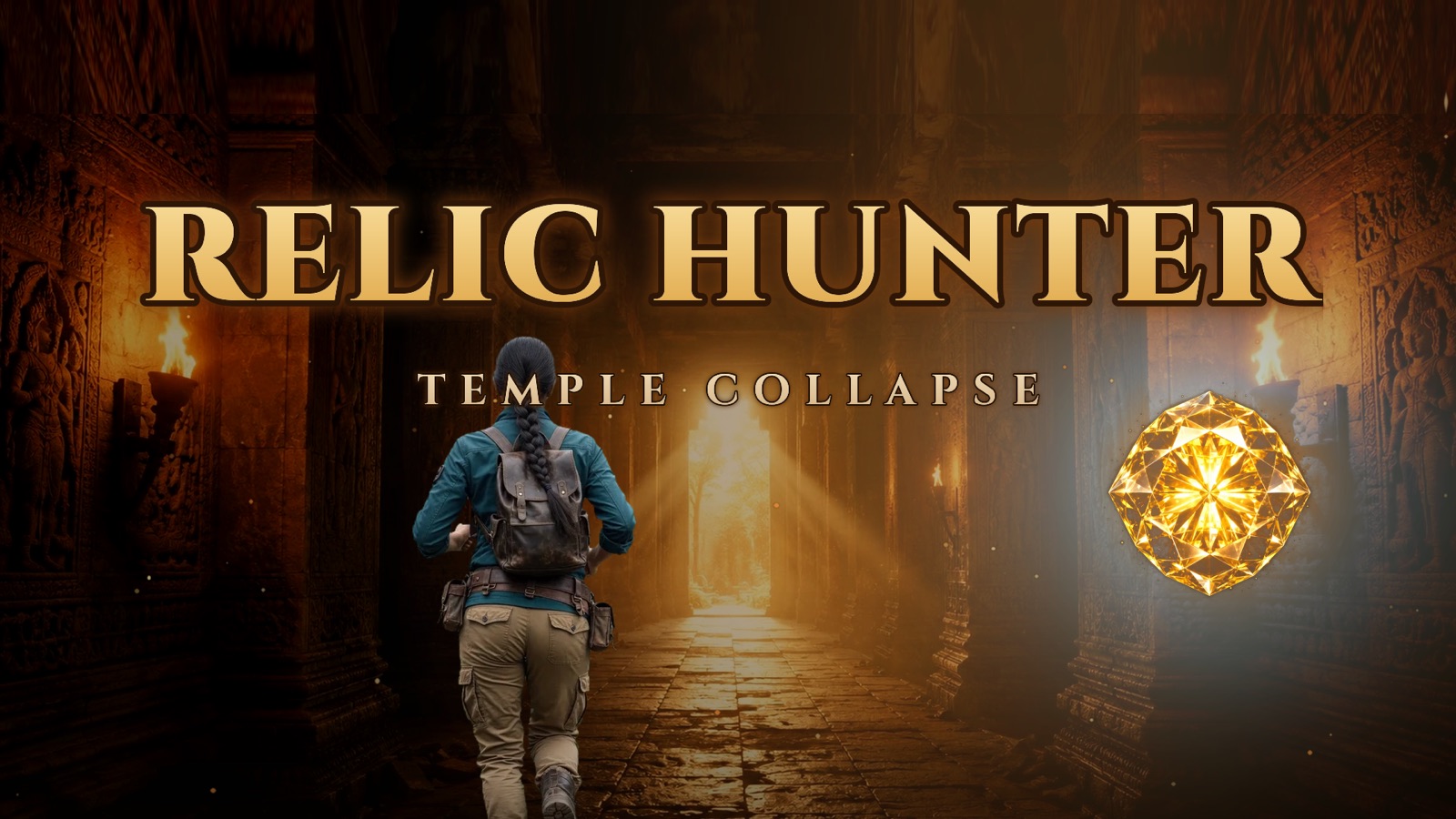
I wanted Relic Hunter: Temple Collapse to look like a real temple, not a video-game approximation of one. The AI images had carved stone, warm torchlight and deep shadows. My first Three.js build had boxes covered in a repeating brown texture.
This is how I closed that gap and turned one AI-generated corridor into an explorable maze. Relic Hunter is a free browser game that runs on desktop and mobile with no download or install. Underneath that simple link is a projection system, a custom shader and a set of practical compromises designed around one question: how do you make a cinematic 3D game load quickly inside a web browser?
Why build a 3D game for the browser?
The biggest advantage of browser games is access. A player can follow a link and start immediately. There is no installer, app-store page or account between curiosity and the first run. That makes free browser games easy to discover, test and share.
The constraint is that every extra model, texture and animation increases the wait before play. Relic Hunter therefore needed a visual system that could reuse a small number of assets across six levels without making every corridor look copied and pasted.
The game underneath the visual experiment
Relic Hunter is not an endless straight corridor painted to look like a labyrinth. Each of its six trials is built from a generated maze with junctions, alternate routes and genuine dead ends. Before a run, you get a few seconds to study the map. Once the timer begins, you have to remember the route, make the right turn at each junction and keep moving.
That makes it part maze runner game, part memory challenge and part temple escape. A wrong turn costs more than a few steps: you have to turn around while the collapse timer keeps burning. You can hold M for another look at the map, but reading it while running brings its own pressure.
Three shared lives carry across the campaign. The hazards arrive one at a time, then begin to overlap: swinging blades must be ducked, fallen beams and broken floors must be jumped, and carved lion heads breathe fire across the path. On the fifth trial, Mira or Vikram finally claims the Syamantaka, Surya's sun-gem. The sixth is the escape, with the temple falling apart behind you.
Why ordinary 3D textures looked wrong
The visual direction began with AI-generated images of carved stone corridors, warm torchlight and deep shadow. They looked convincing as still images. The first playable version did not. Repeating the stone as an ordinary texture produced a tiled box and threw away the most important part of the source image: its lighting.
A photograph looks real largely because of lighting: the soft shadow where wall meets floor, the glow around a torch and the darkness at the far end of a hall. A repeatable texture is deliberately flattened so it can tile without seams. Once I removed the lighting to make the image repeat, I had also removed the part that made it feel real.
Tour Into the Picture: projecting the image onto 3D
The solution came from a computer-graphics technique called Tour Into the Picture, or TIP. Imagine the source image was taken by a real camera. I place a virtual camera at the corresponding point in the Three.js scene, give it a matching view and project the image onto simple floor, wall and ceiling geometry like a slide projector.
Near that viewpoint, the corridor keeps the shadows, glow and depth of the original image while behaving like a space the player can move through. In the shader, each point on a surface asks where it lands in the projector's image and samples that colour. The first successful prototype felt like walking into a painting.
The five problems that appeared when the player moved
- Stretching: the farther the player moved from the projector, the more the image distorted.
- Holes: side openings and distant surfaces outside the source camera's view had no projected detail.
- Flicker: switching projection direction at junctions made walls jump or shimmer.
- Motion smear: one source pixel could stretch across many screen pixels on floors and side walls.
- Baked lighting: the projected image already contained light, so ordinary real-time torches could not simply relight it.
These problems were easy to miss in screenshots and impossible to ignore while running. That changed how I evaluated the graphics: every improvement had to survive motion, turning and backtracking, not just a carefully chosen still frame.
The hybrid system that shipped
Instead of one projector for a long hall, the game scatters projectors along every open corridor in both directions. Each frame, it selects nearby projectors that face with the player and blends a bounded number of them. The player is never far enough from a useful source for the image to collapse into a stretched blur.
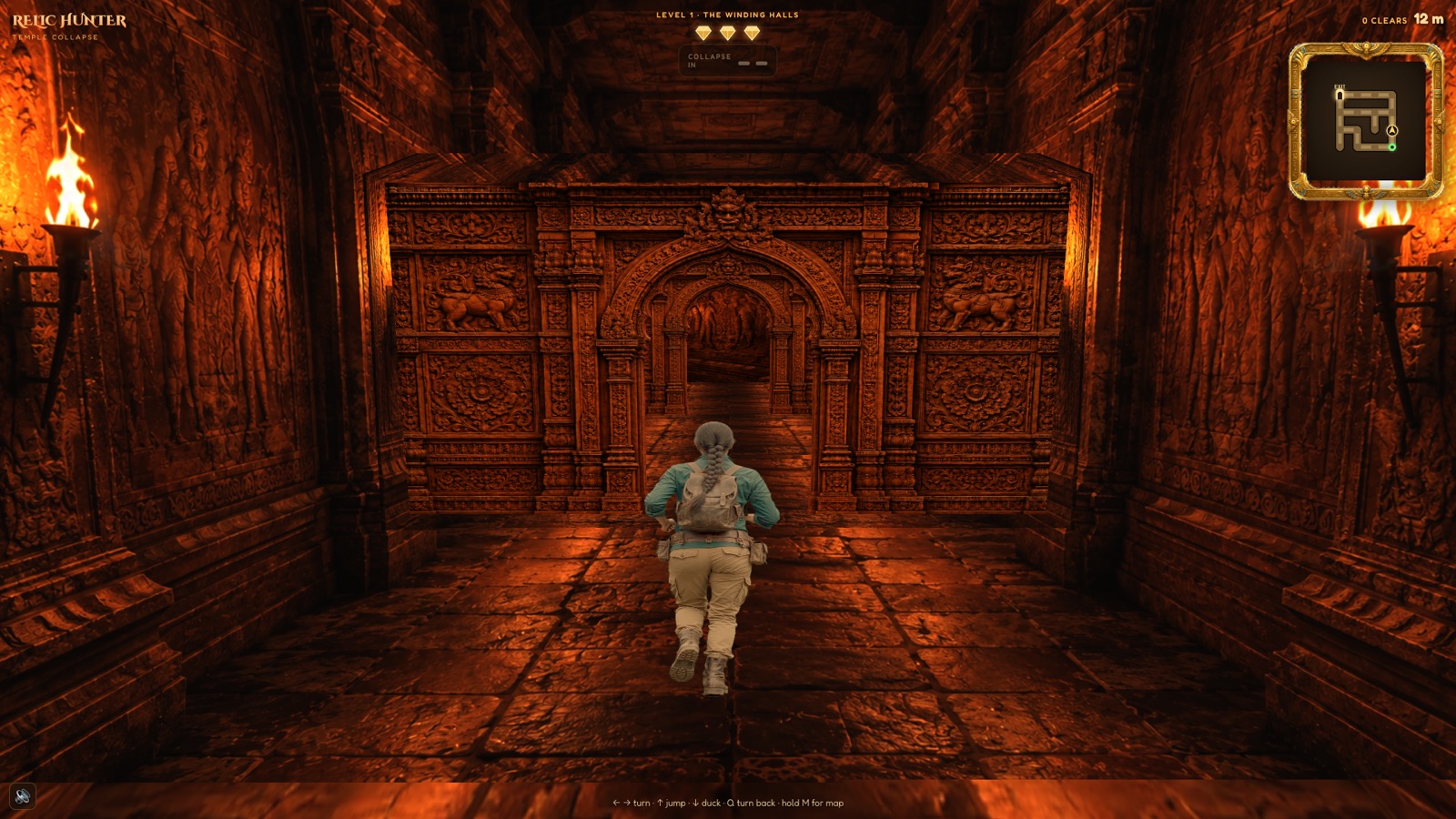
Tricky architectural points use real geometry. End walls receive carved panels so they do not look like corridors continuing forever. Side openings use archway panels with actual holes, making every turn legible. Surfaces outside the best projection fall back to stone rather than black.
The final shader is a hybrid. It measures how stretched the projected photograph is at each pixel. Sharp parts keep the photograph. Steep, smeared surfaces blend in a crisp stone tile. That tile borrows blurred illumination from the photograph. The AI image still decides where the corridor is warm or dark; the tile restores fine detail during movement. Anisotropic filtering and mipmaps sharpen the remaining steep-angle samples.
Keeping characters and traps separate
The corridor is the stage. Mira, Vikram, swinging blades, fire-breathing lion heads, fallen beams and broken floors are separate interactive layers. Anything the player can hit, dodge or watch animate needs its own object; baking a hazard into the corridor image makes interaction look flat.
The animated pieces follow a separate pipeline: clean stills made with ChatGPT, short clips animated with Grok, and green-screen removal before they are placed in the Three.js scene. Keeping the world and its moving parts separate made both easier to tune.
What this approach means for web browser games
Modern web browser games can deliver real-time 3D graphics, custom shaders, animation, sound and responsive input inside an ordinary page. Relic Hunter does it with one main corridor image, an archway panel and a small set of stone textures rather than a heavy library of detailed 3D environments.
The result is a compact Three.js game whose corridors keep the mood of the AI artwork while the player runs, turns and backtracks. That asset economy matters for no download games: smaller files shorten the gap between opening the page and actually playing.
How to play Relic Hunter online
- Open Relic Hunter: Temple Collapse in your browser.
- Choose Mira or Vikram as your relic hunter.
- Study the map before each trial begins.
- Turn at the junctions, jump or duck past traps, and reach the exit before time runs out.
- Claim the Syamantaka Gem and escape the final collapse.
If you are looking for a free 3D browser game, a fast temple maze runner or one of the free online browser games you can start without an account, begin a run and see whether you can bring the sun-gem back into daylight.
Play Relic Hunter now. It is free, online and needs no download. · Browse more browser games · Read about free no-download games.