AR Football Game You Can Play Today: Be the Webcam Goalkeeper
I wanted to build the most satisfying part of football: the save. No full match, no controller, and no long setup. Just you, the goal, and the next shot.
That became Keeper, an AR football game you can play today with a webcam. Your body is the goalkeeper. Reach, lean, and dive to keep the ball out. This is how it works and how to get started in seconds.

What makes it an AR football game?
Augmented reality (AR) blends the digital game with the real you. In Keeper, a live pose model tracks your head, shoulders and arms through the webcam, then scales your body up so it fills the goal. The ball is rendered on screen, but the save is real. You physically reach and lean, and the game maps that movement onto a diving keeper. It is the most fun part of football distilled into a browser game you control with your body.
How Keeper works
Pose tracking reads your movement frame by frame and translates your reach and lean into the keeper's dive. As you clear each level, shots fly faster, swerve harder, and the goal grows wider. You keep going until the shots beat you, chasing a higher level and a better save percentage each run. That is what keeps me diving for one more shot.
Why it is a great no-download AR football game
The best thing about it is the lack of friction. This is a free, no-download AR football game. There is nothing to install, no console to buy, and no waiting. Open the page, allow your camera, and you are in goal. It is easy to share too. Just send the link.
How to play in your browser
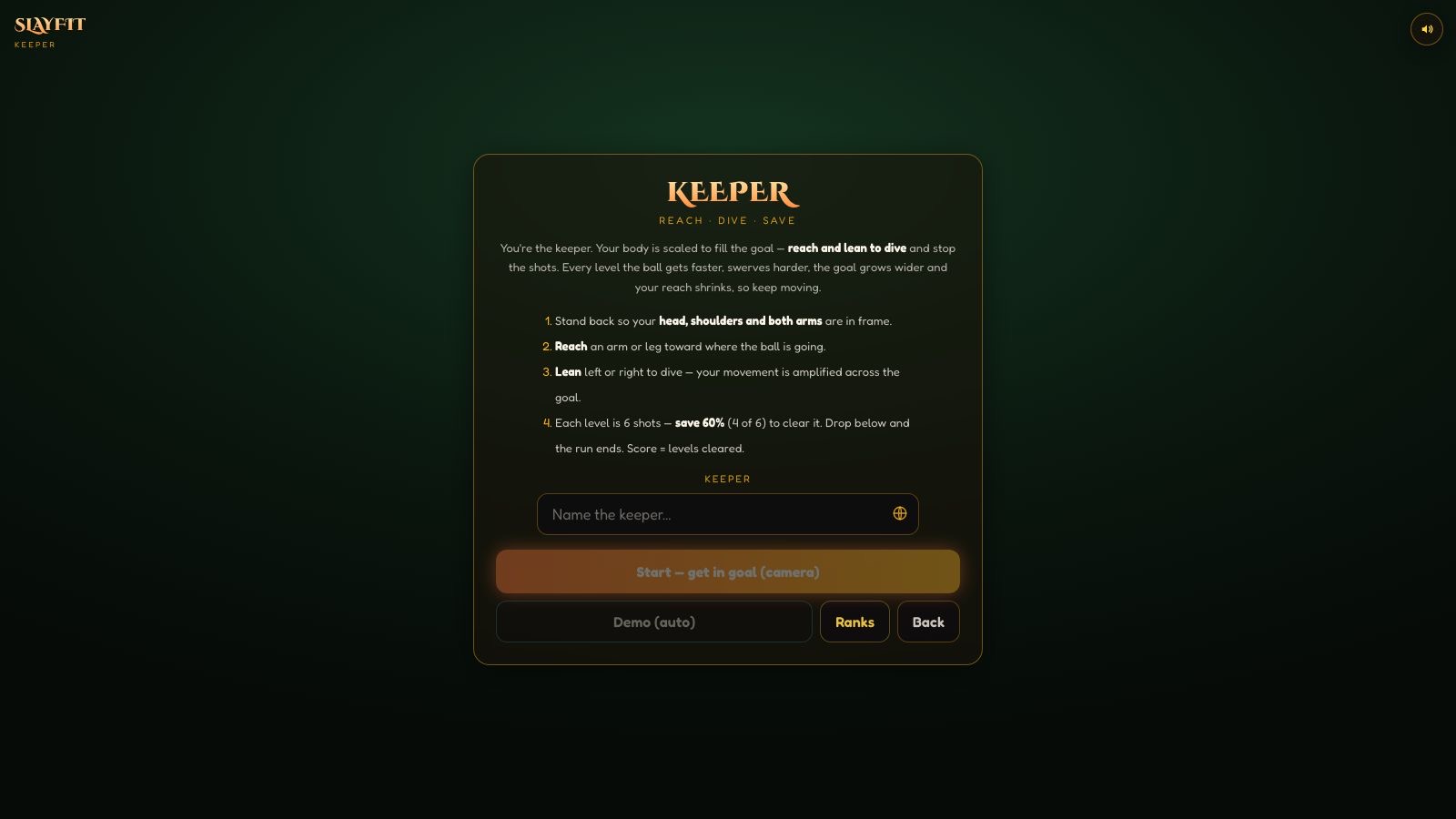
Head to Keeper, allow camera access when prompted, and stand back so your head, shoulders and arms are in frame. Then react. Dive left, stretch right, and lean for the top corners. No webcam? Demo mode drives the keeper with simulated input so you can see the game in action first.
Tips for more saves
Give yourself room to move, keep your whole upper body in frame, and stay light on your feet. Watch the ball's swerve early. Later levels curve hard. Commit to the dive instead of hesitating. The wider the goal gets, the more your footwork and reach matter.
Play the AR football game today
There is no better time than now: jump into the webcam goalkeeper AR football game and see how many shots you can save. Want more? Explore the rest of SlayFit's free no-download games or read our guide to popular browser games you can play today.
Want the technical story? Read how I turned pose landmarks into a goalkeeper game.