Accessible Games: How I Reduced Motion Without Breaking Yantra
I wanted Yantra's machines to feel alive. Then I watched the first world-clear celebration with reduced motion enabled and realised I had only solved half the problem.
The CSS stopped a few spinning cogs. JavaScript was still scheduling a title slide, a falling rank badge, a flying brass plate, screen shake, spark bursts, typed text and a chain of decorative sounds. The page looked calmer, but the sequence still moved for almost five seconds.
The fix was not to remove motion from the whole game. Yantra is a physics puzzle. A player needs to see a steel ball roll, bounce, spill or reach the boiler. I had to separate motion that explains the puzzle from motion that only celebrates it.
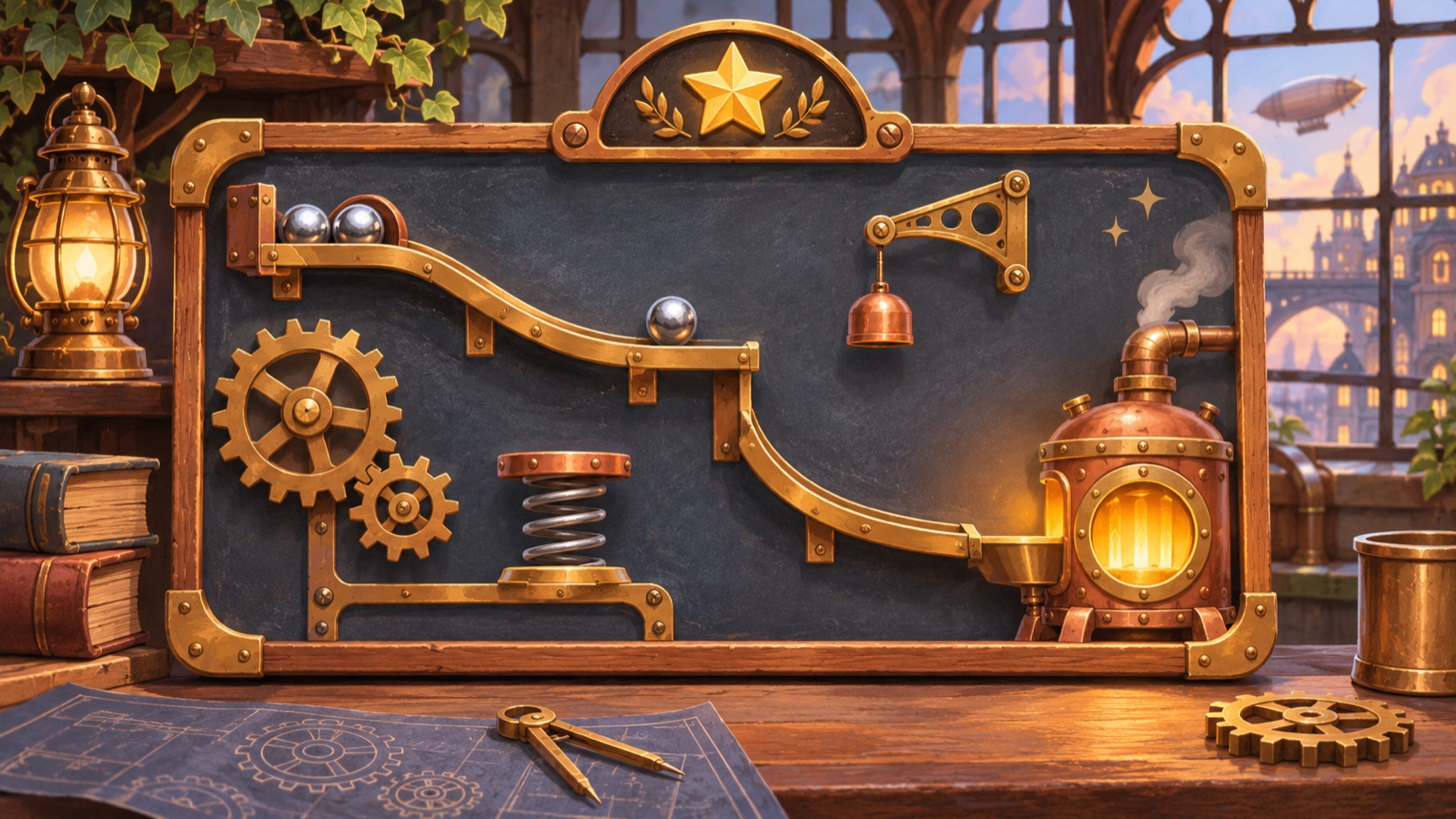
Reduced motion is a preference, not a pause button
Browsers expose the device setting through the prefers-reduced-motion media feature. Yantra reads it in CSS for animations and in JavaScript for sequences that use timers, canvas drawing or the Web Animations API.
That distinction mattered. CSS can stop a looping transform. It cannot automatically cancel a JavaScript timeout that reveals sentences one by one or skip a function that launches a plate across the screen.
The W3C guidance on animation from interactions distinguishes non-essential animation from motion that is essential to the information or function. I used that as the practical question for every effect: if I remove this movement, does the player lose the state of the puzzle?
The ball has to move because the ball is the answer
A Yantra level starts with a broken machine. The player places and rotates ramps, springs, paddles and other parts, then presses Start. Steel balls follow gravity and collide with the repaired path.
That motion is not decoration. It shows whether a ramp is too steep, whether a spring fires at the right angle, whether a ball misses the bucket and which change caused the failure. Freezing the simulation would turn a physics puzzle game into a before-and-after picture with the important reasoning removed.
So reduced motion keeps the machine simulation. It changes the parts around it: screen pushes, flying rewards, pulses, shakes, confetti, decorative particles and delayed reveals.
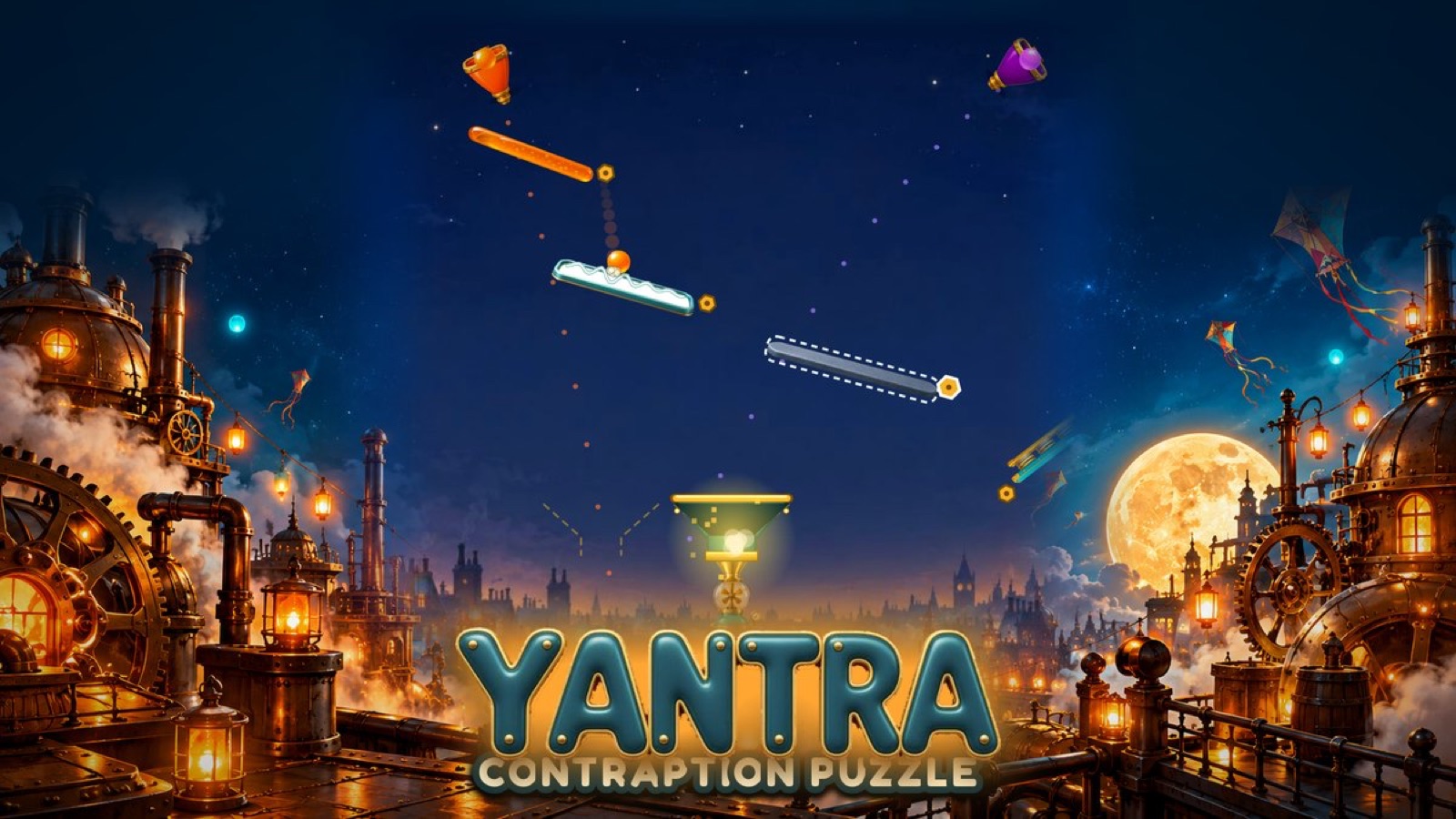
Story screens become actual stills
Between groups of levels, Yantra shows painted story scenes. In the full version, the image slowly pushes in while lamps flicker, dust drifts, steam rises, water shimmers and small sparks jump. Sentences fade in one by one with soft ticks.
With reduced motion, the effect canvas draws nothing and never starts its animation frame loop. The background does not zoom. Every sentence appears immediately. The tap hint is visible without pulsing, and the decorative tick sound is skipped.
The story does not lose information. The same painting and the same text stay on screen. Only the route into that state changes.
The world-clear sequence skips to its end state
The largest change was the gate moment after a world is cleared. The normal sequence lasts about 4.6 seconds. Cogs start turning. The world title slides in. A rank drops into place. A new brass plate flies from the painting to the shelf, the screen shakes and sparks mark the landing. Then the next line types itself across the card.
I first tried to disable those pieces one by one. That left an awkward ceremony full of empty waits. The player still had to sit through the timeline even though nothing happened.
The better fix was a separate path. When reduced motion is active, Yantra calls the same finish function immediately. The title, rank, explanation, plate and teaser line all appear in their final positions. There is no flying plate, no shake, no spark burst and no timed typing. The Continue button is ready at once.
This made the code simpler too. Both versions converge on one end state instead of maintaining two slightly different reward screens.
Stars should report the result before they perform it
A completed level can award up to three stars. The full-motion version hides them, then pops each earned star in with a short delay, a pitch step and a small particle burst.
The reduced version inserts the same earned and unearned star images without the hidden starting class. It returns before creating timers. All three result slots are readable immediately, and the decorative pings and sparks never start.
This was a useful rule for every result screen: the score is information. Its entrance is optional.
A static replacement still needs emphasis
Removing animation can also remove a cue. Yantra's Hint button normally nudges when a failed run has a useful hint available. The current level tile glows. The rotate-phone graphic turns to demonstrate the required orientation.
In reduced motion, those elements do not simply go quiet and disappear. The Hint button uses steady brightness and a gold shadow. The active level remains visually selected without pulsing. The phone icon stays fixed in the correct landscape orientation.
That replacement matters for accessible games. Motion is often being used to attract attention. If I remove it, I still need a non-moving way to show what deserves attention.
Decorative sound follows decorative motion
Yantra synthesises its sound effects in the browser. Some sounds explain play, such as a ball entering the goal. Others exist only because a cog turned, a sentence appeared or a star popped.
The reduced-motion check mutes the second group. Cog ticks, steam hiss, text ticks, star pings and spark sounds do not play when their matching visual effect is removed. The normal mute control and tab visibility pause still apply to every sound.
Keeping sound and motion paired avoids a strange result where the screen is still but the interface continues to announce an invisible animation.
Keyboard paths helped expose the state machine
The story can advance with Enter, Space or Escape. The world-clear screen has a Skip button, and Escape can leave it. Dialogs move focus to a useful button, while status and result areas use browser semantics such as live regions.
I do not treat those details as proof that the whole game is accessible. The puzzle board still depends heavily on visual spatial interaction. But keyboard exits and reliable focus made the reduced-motion work easier because every animated screen already needed a clear final state and a clear next action.
What broke, and what I changed
The biggest mistake was treating reduced motion as a CSS clean-up. Yantra had motion in CSS keyframes, canvas animation loops, JavaScript timers, synthesised sound schedules and one Web Animations flight. Stopping only one layer left the others running.
- CSS rules stop loops, pulses, shakes, zooms and transition effects.
- JavaScript checks bypass story timers and the world-clear timeline.
- Canvas effects never start when the preference asks for less motion.
- Result stars render in their final state before any timer is created.
- Decorative audio checks the same preference as its visual partner.
The second mistake was assuming less motion meant less feedback. Static emphasis, immediate text and complete end states gave me a better target.
What I learned from making a moving puzzle calmer
The useful split is not motion versus no motion. It is information versus presentation.
A ball rolling through a machine carries information. A brass plate flying into a shelf celebrates information the player already has. The first stays. The second can become still without breaking the puzzle.
That is the approach I will reuse in future puzzle games online. Define one complete end state. Let the full-motion version travel to it. Let the reduced-motion version arrive immediately. Then check that every removed cue has a steady replacement.
Try Yantra with your own motion setting
You can play Yantra free in your browser. The game reads your device's reduced-motion preference automatically.
For help with the machines, read my seven-step Yantra player guide. For the larger design story, read how I built 70 physics puzzles.