Bridge Builder Game: How I Designed Puliya's First Lessons
I added two easier bridges because Saggy Stream was asking the right question too early.
The level worked. A player could draw a road across the river, watch it sag under the van, then add a truss. But that single puzzle expected them to learn the controls, understand road continuity, discover support beams and recognise why triangles matter. That was too much for one first attempt.
So I stopped treating the opening as an explanation screen. I turned it into four small bridge problems. Each problem asks one new question, gives the player a visible result and carries the answer into the next level.

The original first puzzle had four lessons hiding inside it
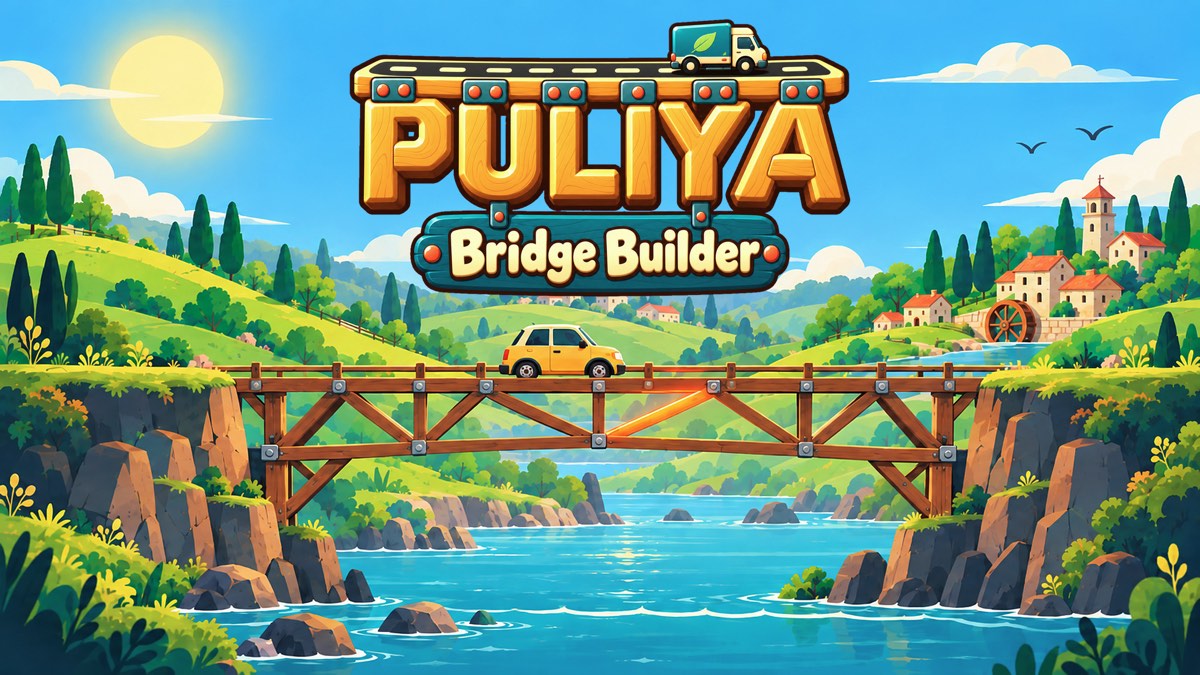
Saggy Stream is an eight-unit gap. It gives the player road and wood, then asks them to carry a van across. The reference design uses four road sections and a full run of wooden triangles beneath them.
That is a fair bridge puzzle after the basic language is familiar. It is not a fair place to learn that language. A new player still has to discover that construction begins at a joint, that vehicles only travel on road, that a connected deck can still sag and that wood needs useful geometry.
The fix was not a longer paragraph. It was a shorter span.
First Plank teaches the interaction, not engineering
First Plank has two fixed red dots, one road tool and a two-unit gap. The three-star answer is exactly one piece. Drag from one dot to the other, press Test and the car crosses.
I like this as an opening because there is almost nothing to misread. The player learns three facts through one action: start from a joint, road creates the driving surface and Test turns a drawing into a moving bridge.
The level does not pretend to be a difficult engineering game. Its job is to establish trust. When the player draws the obvious road, the game should do the obvious thing.
Prop It Up changes one variable
The next level doubles the gap to four units. Two road pieces reach the other side, but the middle sags. This time there are lower red dots, so one diagonal wooden beam can prop up the centre.
The important choice is that the road interaction stays the same. The player is not learning a new tool and a new failure at once. They already know how to build the route. Now they can focus on why a route needs support.
The level-specific feedback says exactly what happened: the road sags, so hold its middle up from a lower red dot. It names the visible problem and points at the kind of repair without drawing the whole answer for the player.
First Triangle removes the shortcut
First Triangle keeps the same four-unit gap but removes the lower anchors. The easy prop is gone. The player must hang two triangles under the road instead.
This is where the structural idea becomes portable. A beam connected to convenient ground solved one bridge. A triangle is a pattern the player can use across many bridges.
The reference solution uses two road pieces and three wooden members beneath them. The level also accepts the same triangular pattern above the road. That matters to me. I want the lesson to be about stable geometry, not memorising one picture.
Saggy Stream can now test a model the player already owns
By the time Saggy Stream appears, the span can be larger without feeling arbitrary. The player has already made a road, supported a weak centre and built a triangle. The new puzzle asks them to repeat and connect those ideas across a longer river.
This changed the nature of the failure. Before the redesign, a collapse could mean that the player did not understand the controls, the materials or the structure. Now it is more likely to expose a specific gap in the bridge.
That specificity is useful. A good failure should narrow the next decision.
The Test button is part of the explanation
In Puliya, Test is not a final exam. It is how the bridge talks back.
A simulation can show a missing road, a sagging deck, a buckling member, an overly steep route or a failure caused by later mechanics such as sand and tide. The player returns to build mode with the bridge still there. They can change one idea instead of starting over.
The messages stay concrete. “No road here” explains why a vehicle fell even when nothing broke. “This part sags” points toward a triangle. Stress colours and motion make the same diagnosis visible on the structure.
I prefer this to a large tutorial overlay because the information arrives after the player has formed an idea. The explanation has something real to attach to.
Hints show pieces, not just prose
The Hint button is labelled “Check my bridge” internally, and that is the better description of what it does. It silently runs the current design through the same deterministic simulation used by a real test. It does not change progress or record a failed attempt.
Then it compares the player's design with a known working answer that shares the most existing pieces. Missing pieces are shown as dashed, material-coloured ghosts. Build one and that ghost disappears. Press Hint again and the next group grows outward from the bridge.
This makes the hint local to the bridge on screen. If a player has already built half a sensible truss, I do not want to replace it with my preferred drawing. The system should preserve what works and reveal the next useful pieces.
Small levels can show the full answer at once. Larger ones normally reveal a few pieces at a time, with later presses completing the structure. From an empty design, following the hints can solve every level in one to five presses.
A tutorial should become unnecessary
The four opening levels now form a compact sequence:
- First Plank: connect two joints with road and run a test.
- Prop It Up: support the middle from a lower fixed point.
- First Triangle: create stable geometry when that fixed point is gone.
- Saggy Stream: combine those ideas across a longer span.
After that, Puliya can introduce wobbly squares, longer members, rocks, multiple vehicles, slopes and budget pressure. Those later levels become interesting because the player is spending attention on the puzzle, not decoding the interface.
This is the design lesson I keep returning to while building browser games: do not begin with everything the player needs to know. Begin with the smallest thing they can do, show an honest consequence and let the next problem ask for one more idea.
Build the first four bridges
Play Puliya: Bridge Builder free in your browser. Start with First Plank and see whether the sequence makes the structure readable without a manual.
For practical help after the opening, read my seven ways to build stronger bridges. For the research and reasoning angle, read what Puliya asks the player to think about.