Webcam Games: What Keeper Does With Your Camera Feed
I wanted Keeper to turn a real reach into a save. The first version proved that the idea worked. It also left me with a more important question: what exactly happens to the camera frames after the player presses Start?
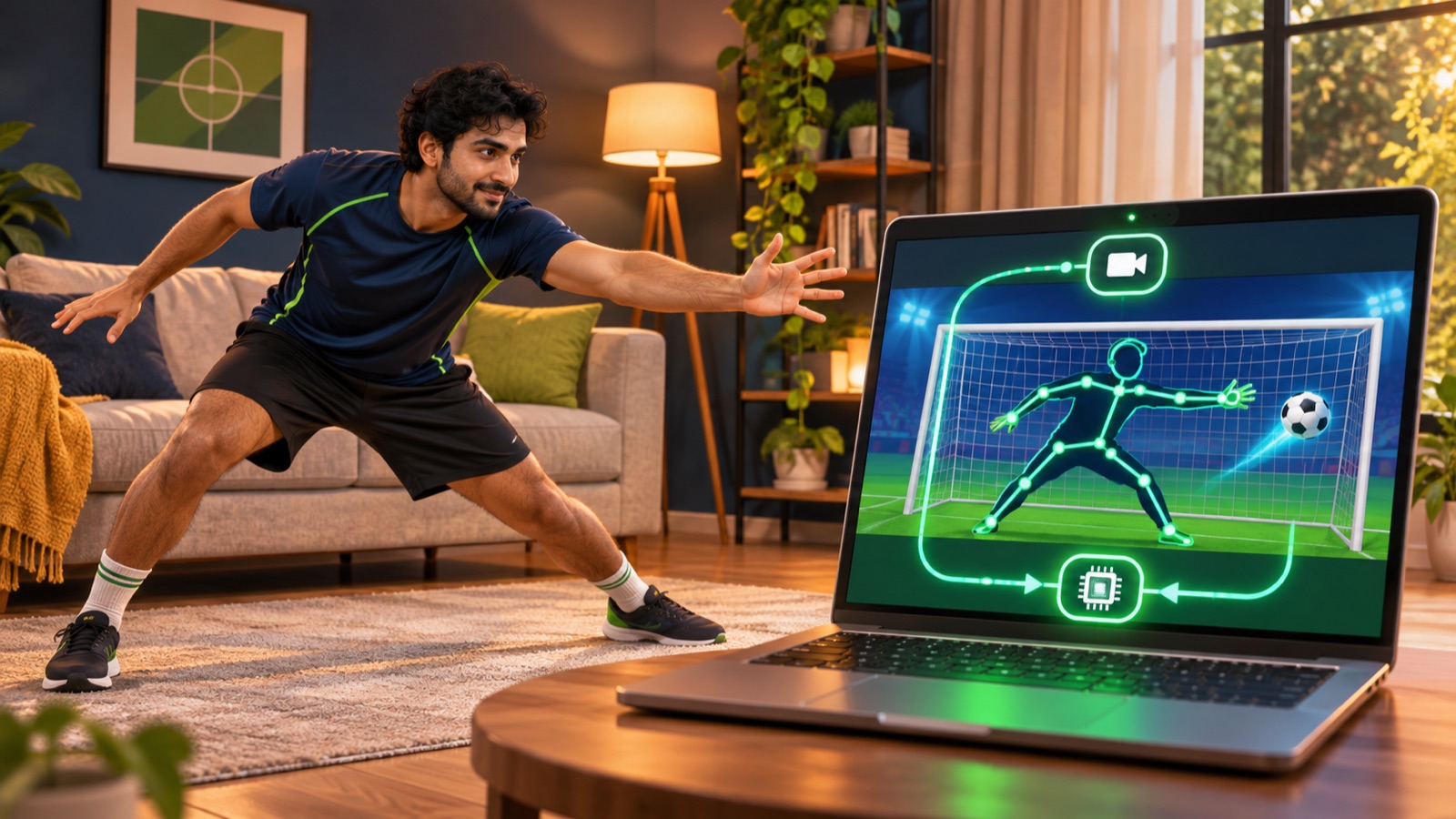
I went back through the shipped code and traced the complete route. The browser opens the camera after permission. MediaPipe reads each video frame and returns body landmarks. Keeper turns those points into a goalkeeper. A separate local recorder can keep a short replay clip. Scores and play events can leave the page, but the pose pipeline does not send camera frames with them.
This is not a general promise about every webcam site. It is a description of the current Keeper implementation, including the parts that are easy to miss.
The camera starts only after a deliberate click
Keeper opens on an introduction screen. The camera path begins when the player enters a name and presses Start With Camera. That click calls the browser's MediaDevices.getUserMedia() method.
The request asks for video, prefers a front-facing camera and suggests a resolution of 1280 by 720. It explicitly sets audio to false. Keeper does not need a microphone to recognise a save, so it does not request one.
The browser owns the permission decision. The game cannot silently bypass it. The API is limited to secure contexts, and the browser must show the player that camera permission or camera use is active. Permission lifetime varies by browser, so the site cannot assume that one answer lasts forever.
The live frame becomes 33 body landmarks
After the stream opens, Keeper loads the lightweight MediaPipe Pose Landmarker model and runs it in video mode. Google's Pose Landmarker documentation describes the task as a way to detect 33 full-body landmarks from images, video or a camera stream. Its web example uses the same basic loop: pass the video element to detectForVideo() with a timestamp, then read the resulting landmarks.
Keeper does that inside requestAnimationFrame(). Every successful result is a list of points with x and y positions plus visibility information. The game mirrors each x coordinate so moving to your right feels like moving the on-screen keeper to your right.
The football engine never receives the original pixels. It receives the latest landmark list. Shoulders, hips, elbows, wrists, knees and ankles become line segments and polygons. The save test asks whether the ball overlaps one of those shapes.
Pose detection runs in the page
The model bundle and model file are downloaded from their configured CDNs. Once loaded, the current video frame is passed to the MediaPipe task running in the browser. In Keeper's pose source, there is no fetch call that posts a frame to a SlayFit endpoint and no WebSocket that streams video to a server.
That is the important boundary for this webcam game. Network access is still used to load code and assets. The site can also send normal game data. But finding your shoulders and wrists happens in the page, and the game consumes the coordinates produced there.
I prefer this architecture because latency and privacy point in the same direction. A save decision needs the newest pose available. Keeping inference next to the game avoids adding a network round trip to every reach.
The preview is not the controller
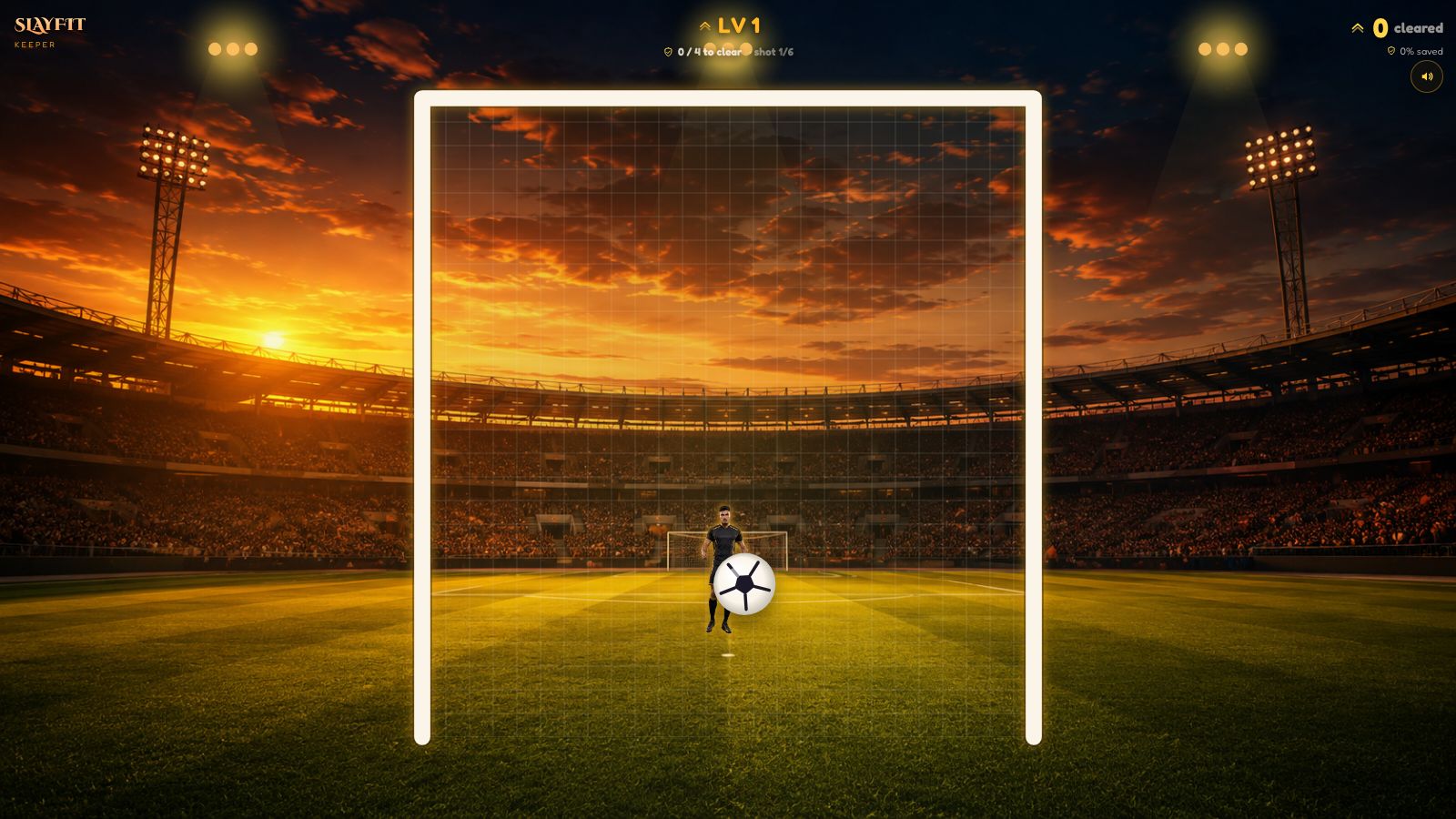
During calibration, Keeper draws a mirrored camera inset with a skeleton. This helps the player see whether their head, shoulders, hips and arms are inside the frame. The game waits for a steady valid pose instead of accepting one lucky frame.
Once the round starts, the small preview can disappear while the landmark controller keeps working. That separation matters. The video element provides frames. The pose points drive gameplay. The visible preview is feedback for the person standing in the room.
A player can also choose Demo Mode. That path never starts the camera. It uses a simple simulated keeper so someone can inspect the shot loop without granting camera access.
The replay buffer is a separate local feature
This was the part I did not want to hide behind a vague phrase such as “processed locally.” Keeper also creates an optional rolling replay when the browser supports MediaRecorder.
The recorder composites the game canvas and a small webcam inset onto an off-screen canvas. It records that canvas stream into short browser-memory chunks. Old chunks are dropped so the buffer keeps only a recent window. At the end of a run, the game can assemble the last clip into a local Blob and show Share or Download actions.
The clip is not automatically attached to the score submission. Sharing uses the device's share flow when the player presses the button. Downloading creates a local file. If replay capture is unsupported or fails, Keeper continues without it.
What can leave the page
Keeper is not an offline page. When services are configured, it can submit the result of a completed run to the score service. That result contains game values such as levels cleared, score and duration, plus the player name and country used for the leaderboard.
The analytics layer can also record events such as a play starting or ending, along with game identifiers, duration and run results. Its own code explicitly excludes personal camera data. The video frame and pose landmarks are not fields in those event calls.
This distinction is more useful than saying “nothing is sent.” Some numerical data supports leaderboards and basic play measurement. Camera frames are used by the local controller and optional local replay path.
The stream stops when Keeper tears down
Leaving the game, starting a new run or unmounting the Keeper screen calls one teardown path. It cancels the animation loop, stops audio, closes the pose task, stops the replay recorder and removes browser event listeners.
The pose source then walks through every track in the camera stream and calls stop(). That is the line that releases the camera. The browser's camera indicator should change when the active track ends, subject to the browser's own permission display.
Putting cleanup in one shared path matters. Camera code often works in the happy path and then leaks on navigation or restart. I wanted the exit path to be as explicit as the start path.
What the browser still controls
The browser remains the final authority for camera access. It decides how the permission prompt looks, whether a previous choice is remembered, which physical camera satisfies the request and how the active-use indicator appears.
The W3C Permissions specification treats camera access as a powerful feature controlled through browser UI. A player can deny the request, revoke it later or use Demo Mode instead. Keeper has to handle those outcomes rather than treating the camera as guaranteed hardware.
What I would check in any camera game
Tracing Keeper gave me a short checklist for other games using a webcam:
- Does the camera request happen after a clear player action?
- Does it request audio when the mechanic only needs video?
- Where does inference run, and is there any code that uploads frames?
- Is recording separate from pose detection and clearly tied to a player action?
- What score, identity and analytics fields are sent?
- Does every exit path stop the camera tracks?
- Is there a useful no-camera path?
That checklist is better than relying on a camera icon alone. It follows the data from permission to cleanup.
What I learned from tracing the whole path
I originally thought about webcam privacy as one decision: local or remote pose detection. The shipped game has more boundaries than that.
Camera permission, pose inference, gameplay landmarks, replay capture, score submission, analytics and cleanup are separate systems. They should be explained separately too. A local pose model does not mean the page has no network activity. A leaderboard does not mean it needs the camera feed. An optional replay does not have to be silently uploaded.
That is the design I want for future camera games: ask at the moment of use, request only what the mechanic needs, keep real-time vision near the game, separate recording from control and stop every track on exit.
Try Keeper with or without the camera
You can play Keeper free in your browser. Choose Start With Camera for the body-controlled version, or Demo Mode if you want to see the shot loop without opening a camera.
For the gameplay design, read how Keeper simulates goalkeeper reaction pressure. For practical help, read my seven Keeper tips.