Fitness Challenge With Friends: How I Made Hold Times Shareable
I wanted the end of an Exercise Hold to create something more useful than a score screen.
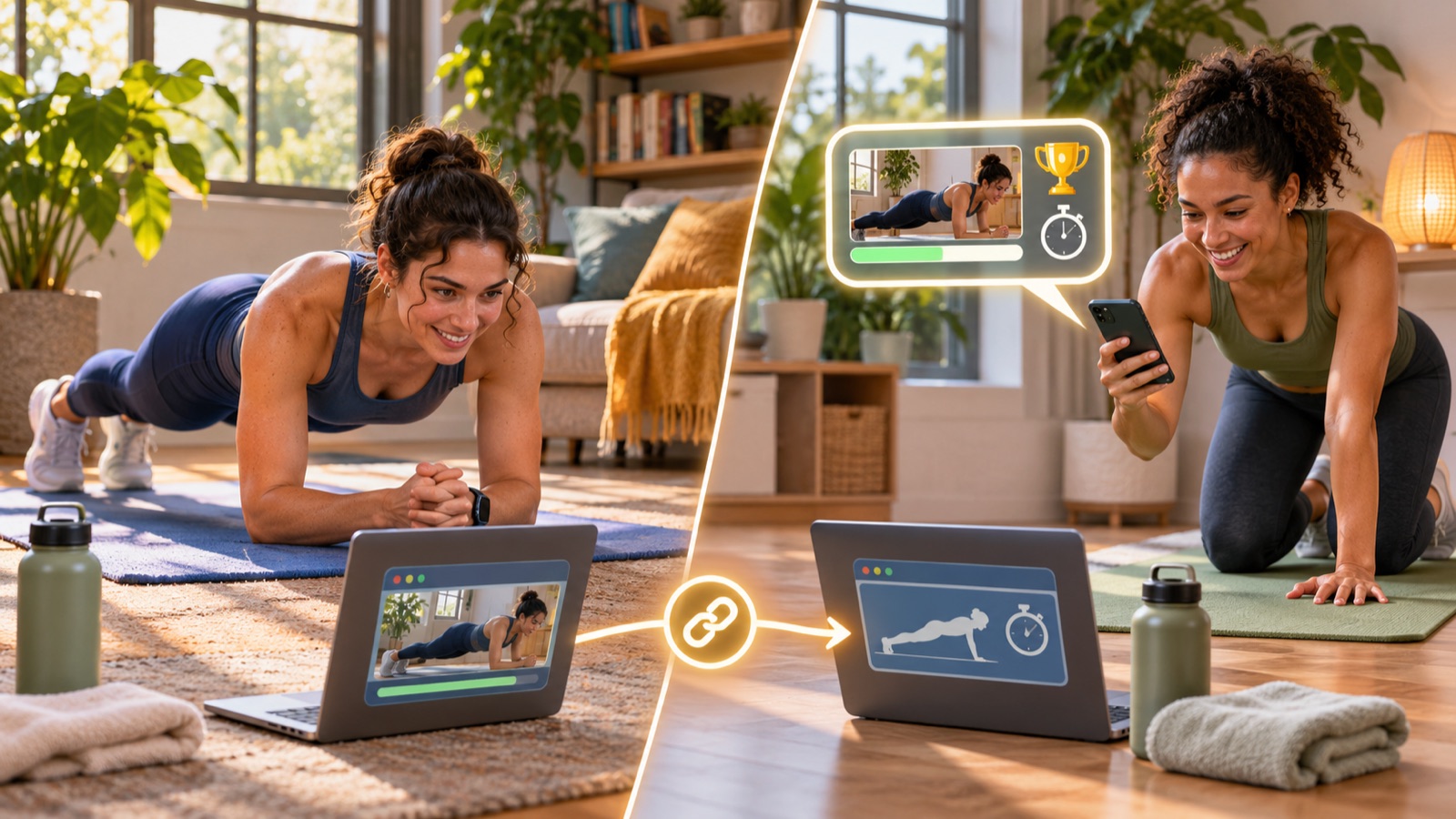
If I hold a plank for 42.6 seconds, the natural next step is simple: send that exact target to a friend. They should open one link, see the pose and time, then try to beat it. They should not need an account, an app install or a long setup flow.
That small idea became a different kind of fitness challenge with friends. The challenge is not a new database object. It is a carefully limited URL that carries just enough information to recreate the contest.
The result has to be trustworthy first
A share button cannot fix an unreliable result. Exercise Holds waits for a valid pose to remain stable for 1.2 seconds before the timer locks in. A short wobble pauses the credited time. If the pose stays broken for more than 1.5 seconds, the attempt ends at the last valid moment.
The timer also rejects blind gaps. If the tab sleeps or the game goes more than three seconds without a usable frame, it does not quietly credit that missing time.
These rules do not make the result an official fitness record or a medical measurement. They make it a consistent browser-game score. That is enough for a friendly target because both players use the same pose logic and the same clock rules.
The challenge is a URL, not another stored record
When a player finishes, the game already knows three useful values: the pose, the time and an optional display name. The share link encodes those values.
The pose uses a fixed internal identifier such as plank or tree. Time is stored in centiseconds, so 42.6 seconds becomes 4,260. A name is optional. The link does not include a photo, camera frame or pose landmarks.
This means the challenge link can work without creating a second challenge table. A leaderboard score may still be submitted through the normal score system, but the one-to-one challenge itself is portable. The URL is the invitation.
I put hard limits around every shared value
URLs are user input. I did not want a changed query string to become an impossible target or unsafe display text.
The challenge parser accepts times from five seconds up to twelve hours. Anything outside that range is rejected. The worker that builds the public preview also caps its time at twelve hours.
Names are trimmed, shortened to 30 characters and stripped of control characters. The in-game parser also removes angle brackets. The preview page escapes text before placing it into HTML metadata or visible copy.
These limits are deliberately boring. They let the fun part stay simple because the input boundary is clear.
The shared page has two jobs
A direct game URL is useful after someone clicks it. Social apps need something before the click: a title, a description and an image preview.
Exercise Holds therefore shares a public /s page. That page reads the bounded pose, time and name. It creates a preview such as “Someone held Tree Pose for 0:42.6,” then points its button to the actual pose page with the challenge values translated into the game query.
The separation keeps the destination playable while giving messaging apps and social crawlers a stable preview. The preview is cached at the edge for a day when the same parameters are requested again.

The target stays visible during the attempt
Opening a challenge does more than add a sentence to the landing page. The target travels into the live game.
Before starting, the player sees who set the time and what they need to beat. During the hold, a progress bar compares the live credited time with the target. When the player gets within five seconds, the optional voice coach can announce that the target is close. It can also say when the player moves ahead.
At the end, the result screen calculates the difference in centiseconds. It says how far ahead or behind the player finished. That detail matters. “You lost” is vague. “You were 1.8 seconds behind” gives the next attempt a purpose.
The share card is made on the player's device
The game can build a 1080 by 1350 share card in a browser canvas. It uses the captured hold still, the visible pose skeleton, the exact time and a short challenge line.
The still remains on the device while the card is being assembled. It leaves only if the player chooses Share and selects a destination. The link itself contains no image data.
If a phone supports file sharing, the game sends the card and challenge text to the native share sheet. If a desktop cannot do that, it saves the image and copies the text plus link. If clipboard access also fails, it shows the text in a copy prompt.
I wanted the sharing path to degrade in useful steps. An online fitness challenge should not depend on one browser API being available everywhere.
A new result can continue the chain
After taking a friend's challenge, the second player can share their own finished time. The new card can say whether they beat the original target and by how much. Its link carries the new time.
That creates a lightweight back-and-forth without a group system. One person sends 42.6 seconds. A friend replies with 45.1. The next target is already inside the next link.
This is smaller than a full exercise challenge app, and that is intentional. There are no teams to manage and no challenge dashboard to maintain. The useful unit is one pose, one score and one person to beat.
What I learned from making the score social
- Verify the score before adding a share button.
- Put only the minimum useful data in the link.
- Validate the URL again when it is opened.
- Make the preview page useful to crawlers and the destination useful to players.
- Keep the target visible during play, not only before it.
- Support the native share sheet, clipboard and a manual copy fallback.
- State clearly that a game score is not an official record or health assessment.
Send one hold to a friend
Open Exercise Holds, choose chair, tree, one-leg stand, deep squat, Warrior II or plank, and complete one timed attempt. The result screen can turn that time into a challenge link.
If you need help getting into position first, use the practical guide to all six holds. To see how the pose checks and timer work, read how I built the browser hold challenges.